




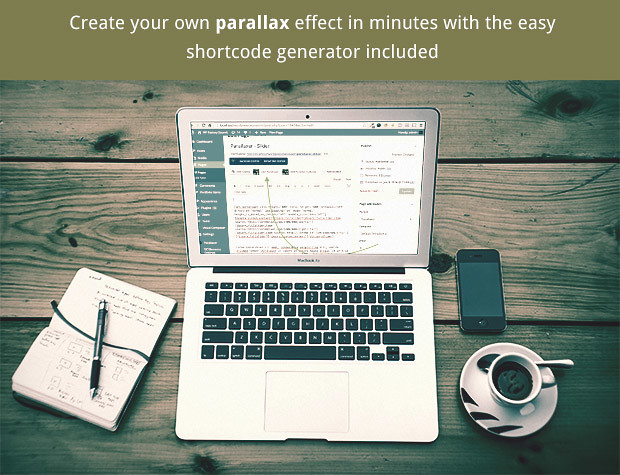
The Parallaxer PRO is the ultimate Parallax blocks builder plugin for your WordPress site. It features Shortcode Generator- Visual Composer generation and many options along the way!
Wow your visitors with DZS Parallaxer and install easy in any template- and setup any content in any size.
Live Preview – here
Mobile OptimizedSmooth on mobiles too because of hardware |
|
Any ContentScroll any content- like sliders- html content |
FAQ
How does the full page work?
The full page example is a series of full size parallaxers. Realistically it will not look just like that in any theme because there are other elements to a theme like menu- so not just content. ( unless you have a theme with the menu overlaying on top like the preview page )
could you give me the snippet- how you manage to display video with full width and parallax effect
Sure- you need to open the shortcode genertor. And at the bottom- turn the Use Custom Content to ON- then in the Custom Content field enter
<iframe src=""//player.vimeo.com/video/22884674?title=0&byline=0&portrait=0&color=ffffff&autoplay=1"" width=""100%"" height=""100%"" frameborder=""0"" allowfullscreen=""allowfullscreen""></iframe>
This is of course embed code taken from vimeo
Can you overlay content over the videos and other section blocks?
You can overlay any content over the parallaxer. You have a WordPress Editor for typing any html content overlaying the Parallaxer.
Can I use this in PHP- like in template files?
Yes- just use
<?php echo do_shortcode('[dzs_parallaxer media=""http://localhost/wordpress/wp-content/uploads/2014/11/l3_1_2_b.jpg"" clip_height=""400"" total_height=""600"" direction=""normal"" mode=""normal"" enable_scrollbar=""off"" use_loading=""off""][/dzs_parallaxer]'); ?>
Updates
For updating- disable and delete the previous version- and install the new downloaded one. Or just unpack the zip you get from the download and overwrite the previous files in the folder from wp-content/plugins/ via FTP
UPDATE 3.20 [ 04/21/2019 ]
- [ADD] Gutenberg support ( In Classic Block )
UPDATE 3.00 [ 10/22/2017 ]
- [ADD] layers functionality
- [FIX] some bugs
UPDATE 2.48 [ 12/17/2016 ]
- [FIX] some bugs
UPDATE 2.47 [ 10/24/2016 ]
- [FIX] some bugs
UPDATE 2.46 [ 09/19/2016 ]
- [FIX] a fatal bug
UPDATE 2.45 [ 06/09/2016 ]
- [FIX] fixed the preview
- [ADD] slider support
- [ADD] slider example in Sample Data / Import with one click
- [ADD] heading left example in Sample Data / Import with one click
- [ADD] mode-onlyone
UPDATE 2.44 [ 04/30/2016 ]
- [FIX] a bug with parallxer stoping before its time
UPDATE 2.43 [ 03/30/2016 ]
- [FIX] a bug in the shortcode generator not generating
- [FIX] a bug when disabling easy loading and using simple-mode
UPDATE 2.42 [ 03/28/2016 ]
- [ADD] sample data import
- [FIX] chrome bug showing 1 extra pixels below separators
- [FIX] Visual Composer now refreshes content on change in frontend editor
UPDATE 2.41 [ 03/24/2016 ]
- [ADD] 1/2 column shortcodes
- [TWEAK] improvements for simple-mode
UPDATE 2.40 [ 09/20/2015 ]
- [ADD] responsive options in the shortcode generator – scale responsively on mobile devices
UPDATE 2.31 [ 08/26/2015 ]
- [FIX] an error in the generator
UPDATE 2.30 [ 07/14/2015 ]
- [ADD] module Features
UPDATE 2.20 [ 07/14/2015 ]
- [ADD] place as background parallax option on each post / page ( via meta options )
UPDATE 2.10 [ 03/19/2015 ]
- [ADD] autoupdater feature
- [FIX] error notice in the admin
UPDATE 2.00 [ 03/18/2015 ]
- [ADD] separator feature
- [ADD] multiple parallax elements inside parallax element
- [ADD] buttons for inserting text over parallax effect easily
- [FIX] some bugs
Other Great Plugins
What do you get?
- Parallaxer PRO WordPress plugin – get creative!
- documentation – extensive documentation on how to install & configure the plugin
- free updates – even if the value of this gallery increases with upcoming updates- you will get them for free
- free support – via my forum -> http://digitalzoomstudio.net/support/
Credits
“













Reviews
Clear filtersThere are no reviews yet.