


OnBank – Online Banking & Money Transfers is a digital banking solution that utilizes the power of the free Elementor page builder- along with the Jeg Elementor Kit and Qi Addons for Elementor- to provide users with quick and easy template import options for creating beautifully designed pages for their online banking and money transfer needs. This kit features a variety of pre-designed templates that can be easily customized to meet the specific needs of your banking business. With OnBank- users can easily manage their banking and financial transactions online with minimal effort.
The template is optimized and tested on the “Hello Elementor” theme.
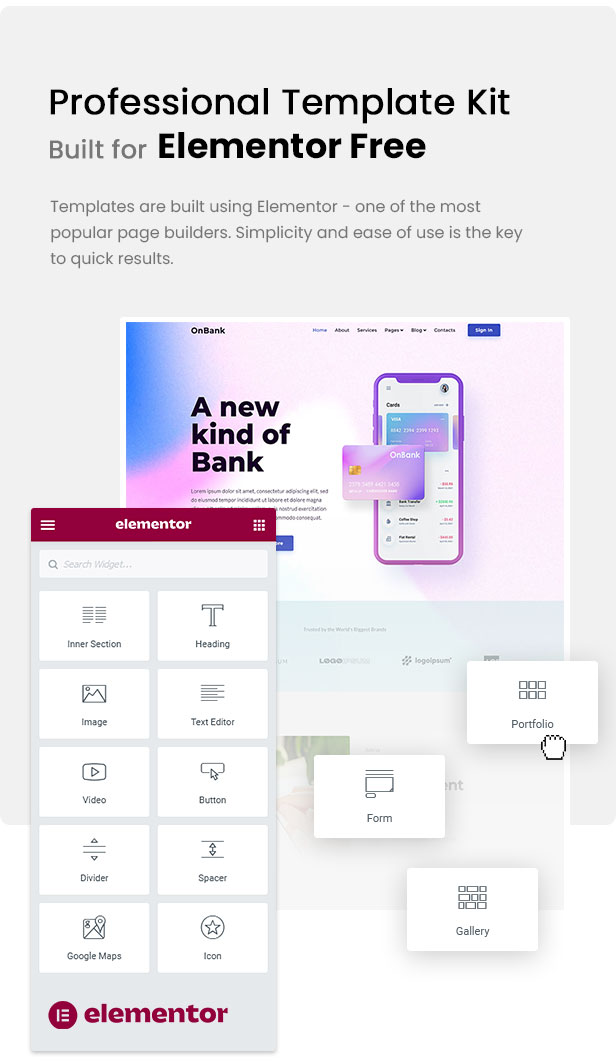
Kit Features
- Beautifully Designed Templates
- Fully and Easily Customizable
- Fast Loading and Optimised for Search Engines
- Cross Browser Compatible
- Quick and Easy Templates Import
Free Plug-ins Used
- Elementor
- Jeg Elementor Kit
- Make Column Clickable Elementor
- Qi Addons For Elementor
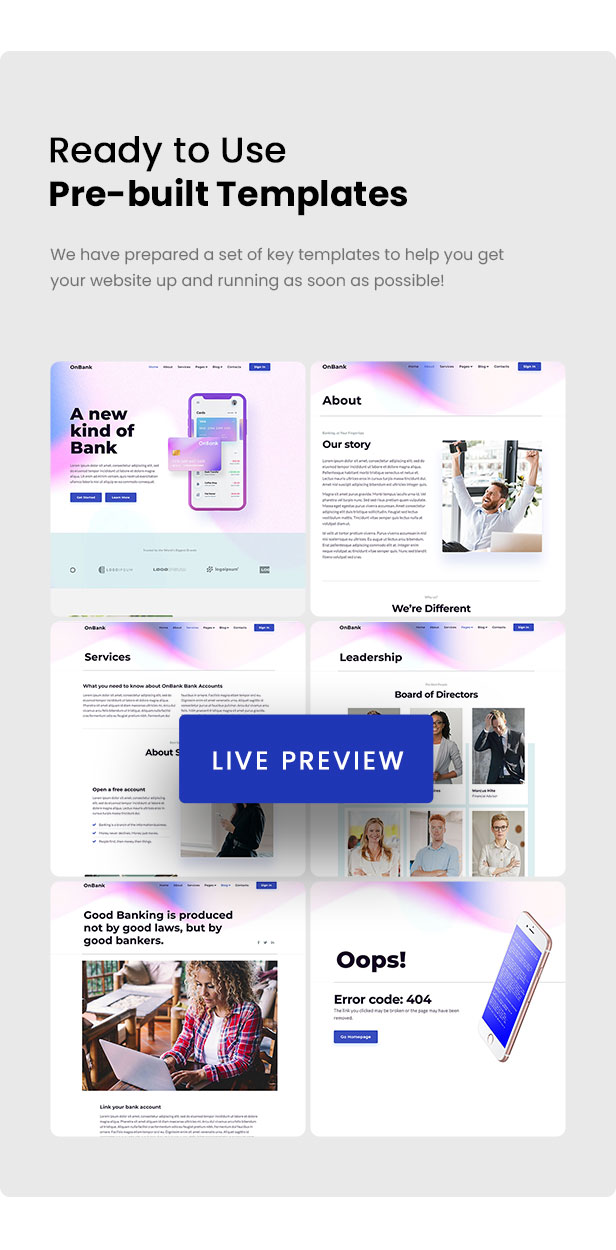
How to Install:
- Install and Activate the “Envato Elements” plugin from Plugins- Add New in WordPress.
- Do not unzip.
- Go to Elements- Installed Kits and click the Upload Template Kit button.
- Before importing a template- ensure the Install Requirements button is clicked to activate required plugins.
- For best results- do not import more than one template at a time.
- Go to Pages and create a new page and click Edit with Elementor.
- Click the gear icon at lower-left of the builder to view page settings and choose Elementor Full Width and hide page title.
- Click the gray folder icon to access My Templates tab and then Import the page you’d like to customize.
For further support- go to Elementor. Get Help in WordPress menu.
Images
This Template Kit uses demo images from Envato Elements. You will need to license these images from Envato Elements to use them on your website- or you can substitute them with your own.



















Reviews
Clear filtersThere are no reviews yet.